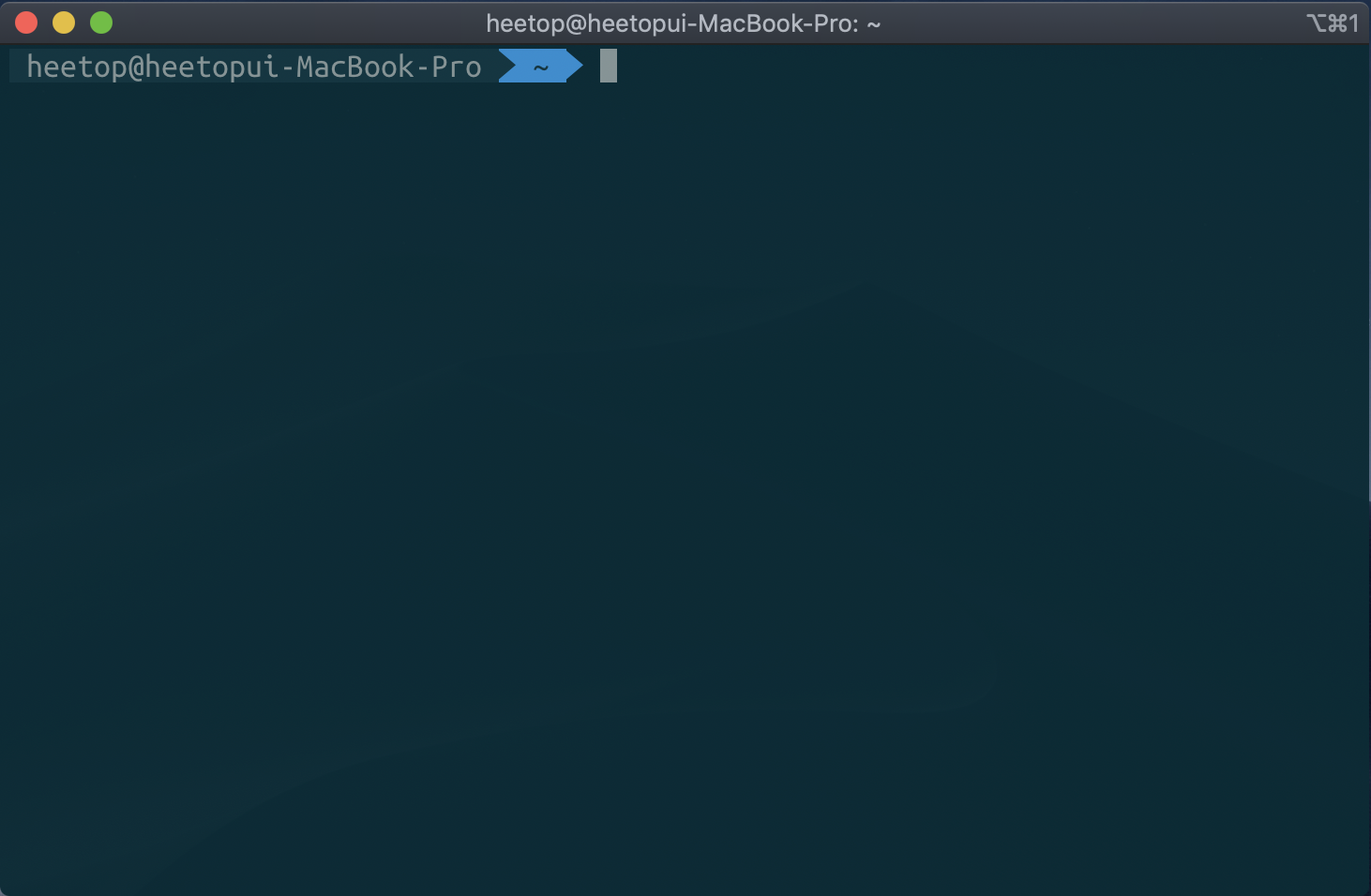
Ubuntu ZSH Setting
2020, Mar 27
ZSH install
| 터미널에서 다음 명령을 실행한다. |
|---|
| $ sudo apt-get install -y zsh $ chsh -s $(which zsh) |
Oh-my-zsh install
| 터미널에서 다음 명령을 실행한다. |
|---|
| install oh-my-zsh $ sudo sh -c “$(curl -fsSL https://raw.githubusercontent.com/robbyrussell/oh-my-zsh/master/tools/install.sh)” |
테마 변경 agnoster
| $ sudo gedit ~/.zshrc # zsh 설정 변경 |
|---|
| # 변경 후 저장 ZSH_THEME=”robbyrussell” »ZSH_THEME=”agnoster” |
| 터미널에서 다음 명령을 실행한다. |
|---|
| # 적용 $ source ~/.zshrc |
syntax highlighting Install
| 터미널에서 다음 명령을 실행한다. |
|---|
| $ git clone https://github.com/zsh-users/zsh-syntax-highlighting.git ${ZSH_CUSTOM:-~/.oh-my-zsh/custom}/plugins/zsh-syntax-highlighting $ echo “source ${ZSH_CUSTOM}/plugins/zsh-syntax-highlighting/zsh-syntax-highlighting.zsh” » ${ZDOTDIR:-$HOME}/.zshrc |
auto jump

| 터미널에서 다음 명령을 실행한다. |
|---|
| $ cd ~/.oh-my-zsh/custom/plugins $ git clone https://github.com/wting/autojump.git $ cd autojump $ ./install.py $ cd |
| $ sudo gedit ~/.zshrc # zsh 설정 변경 |
|---|
| # 변경 후 저장 plugins=( git ) -> plugins=( git autojump) |
| 터미널에서 다음 명령을 실행한다. |
|---|
| # 적용 $ source ~/.zshrc |
auto suggestions install
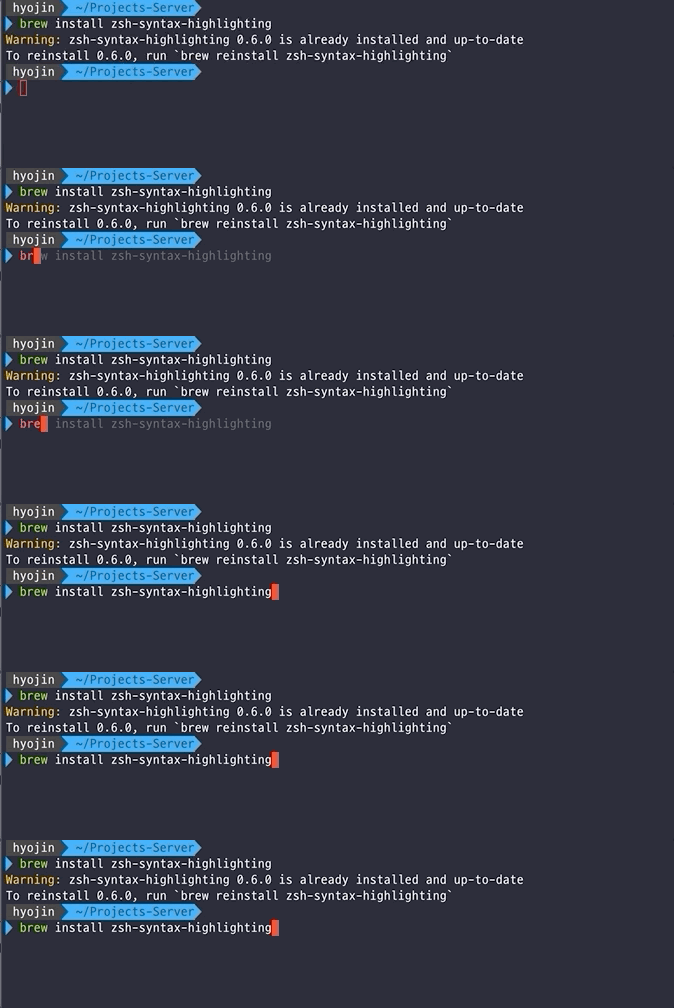
| 터미널에서 다음 명령을 실행한다. |
|---|
| # auto suggestions $ git clone https://github.com/zsh-users/zsh-autosuggestions ${ZSH_CUSTOM:-~/.oh-my-zsh/custom}/plugins/zsh-autosuggestions |
| $ sudo gedit ~/.zshrc # zsh 설정 변경 |
|---|
| # 변경 후 저장 plugins=( git autojump) -> plugins=(git zsh-autosuggestions autojump) |
| 터미널에서 다음 명령을 실행한다. |
|---|
| # 적용 $ source ~/.zshrc |
터미널 폰트 변경 -> Menlo-for-Powerline Terminal Setting
| 터미널에서 다음 명령을 실행한다. |
|---|
| # install Menlo for Powerline $ git clone https://github.com/abertsch/Menlo-for-Powerline.git $ cd Menlo-for-Powerline $ sudo mv Menlo* /usr/share/fonts |
Teminal 오른쪽 클릭 » Profiles » Profile Preferences 클릭
- General 탭
- Custom font -> Menlo for Powerline 변경

- Colors 탭
- Text and Background Color
- Solarized dark
- Palette
- Solarized

- Text and Background Color